
Turn Course PDFs into Interactive Study Tools
Tired of scrolling through long PDFs to find one answer? With Testpress’s AI PDF Assistant, students can chat with their course material and test themselves on it all within a few clicks.
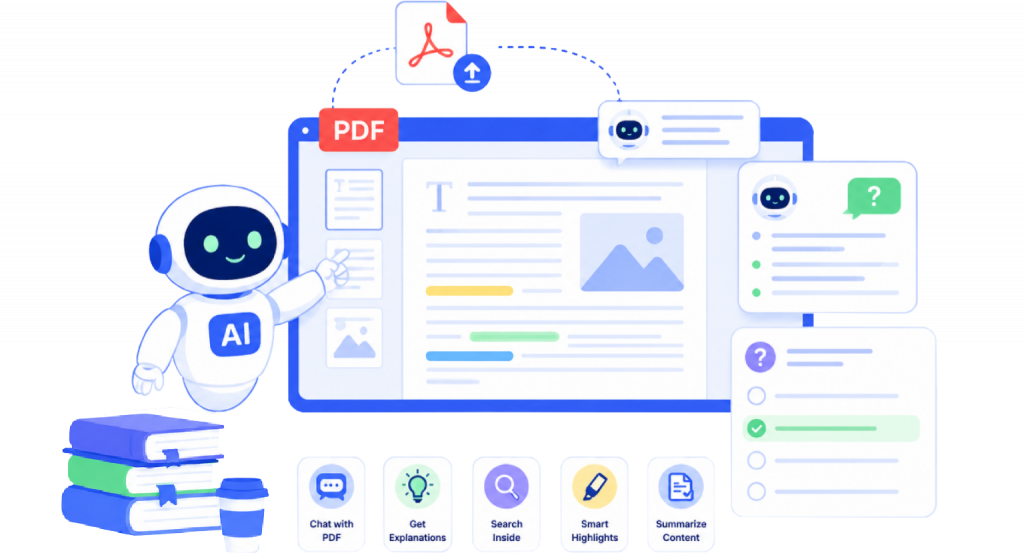
AI That Reads Along With You
The PDFs added by mentors as part of the syllabus become interactive instantly. Students can understand tricky concepts or practice what they’ve learned, with everything happening right inside the document no copying, no switching tabs.
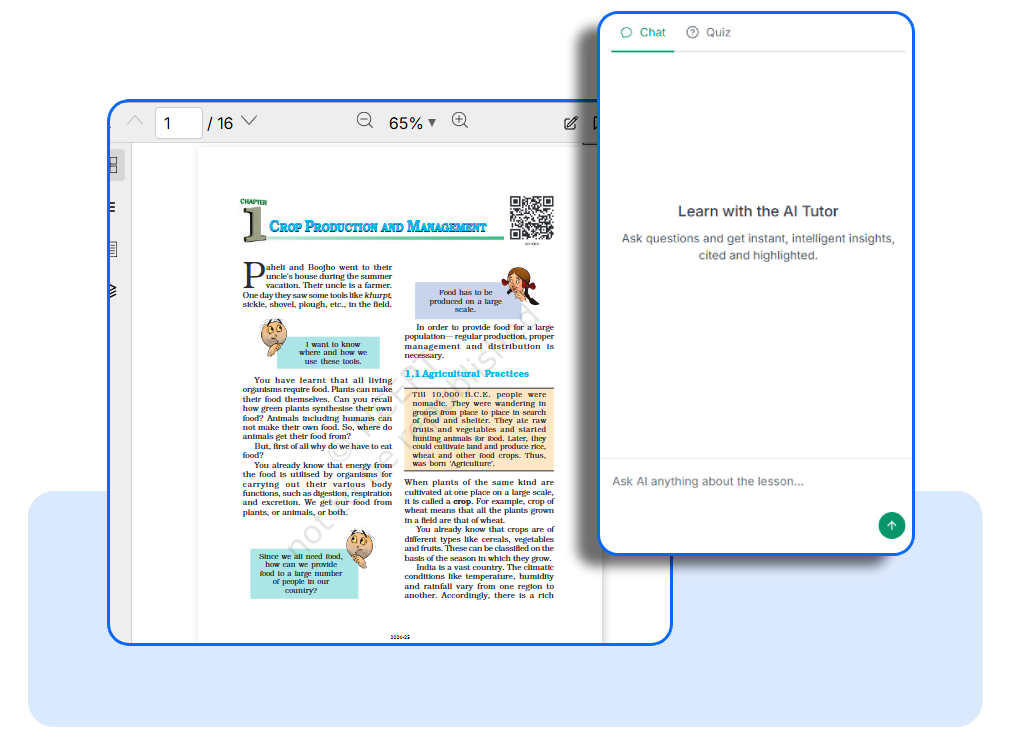
Chat with Your PDF
Students can ask anything about the PDF and get instant, accurate answers. There’s no need to read the whole document to find one point the AI does the searching for them.
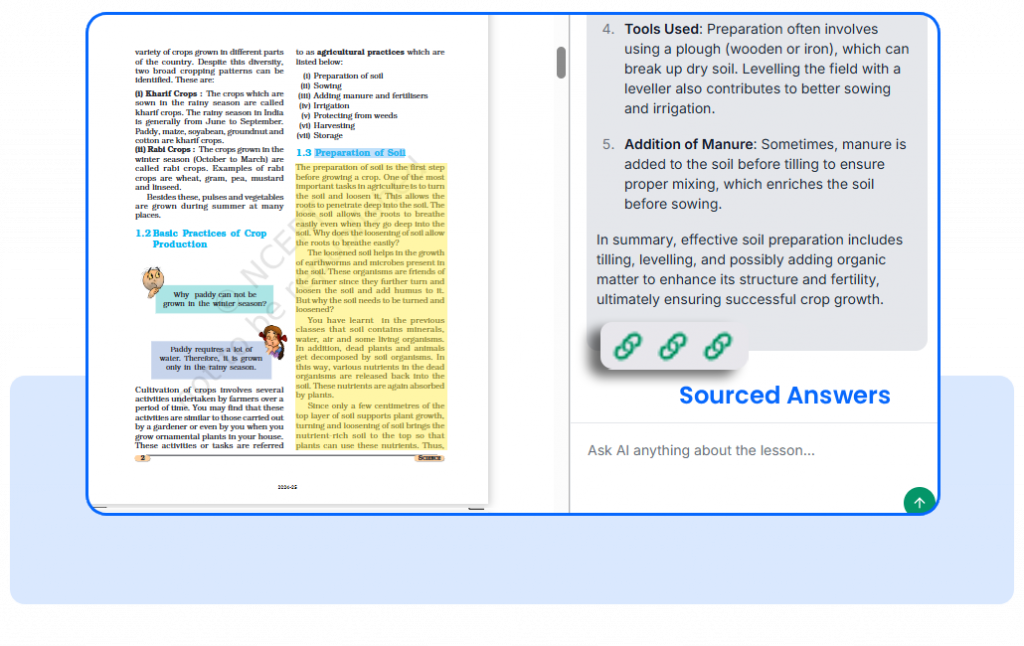
Sourced Answers
Every time the AI answers, it highlights the relevant lines right inside the PDF. Students don’t just get an answer they see the source, building real understanding and trust in what they’re learning.
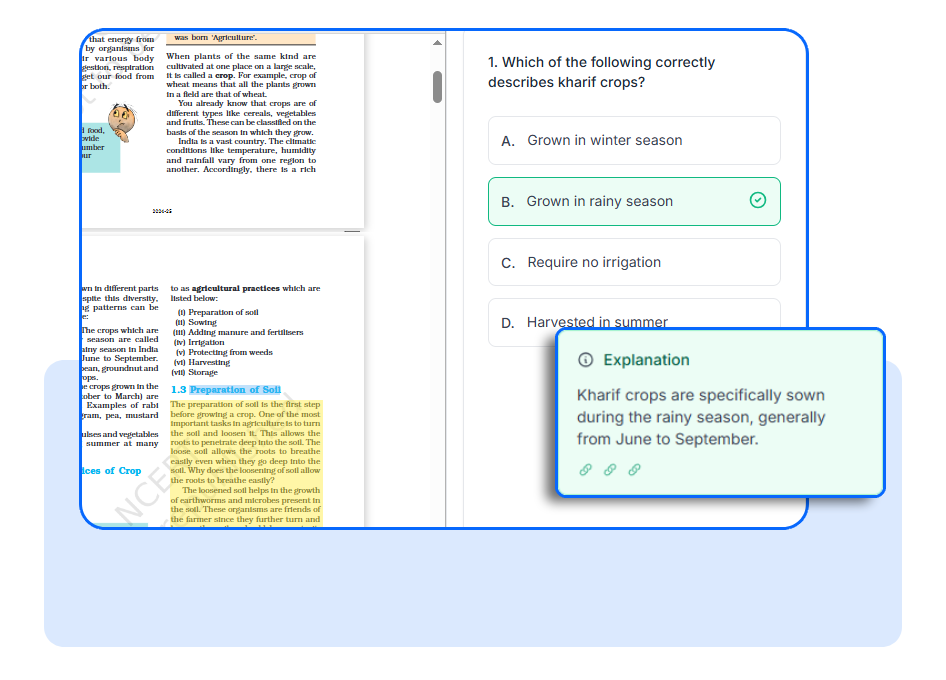
Generate a Quiz from Your PDF
Turn study material into practice in seconds — no need to hunt for questions elsewhere.
-Create a quiz straight from the course PDF in a few clicks.
-Choose the difficulty : Easy, Medium, or Hard to match your level.
-Set the number of questions to suit the time and focus available.
-Practice with multiple-choice questions at your own pace.
Get a clear explanation alongside each answer, turning every question into a learning moment.